


Hi, I’m Jules. After I was laid off from my job as a product design director, I decided to take a sabbatical from corporate life to build my own product. I’m documenting that journey here on Substack, along with something I’m cooking for lunch each week.

The first thing I vibe coded was an app called viberunning.lol. It was a fancier version of a Google Sheet I maintained to track my running progress, which used Zapier to add a new spreadsheet row after every run posted to Strava. I originally created the spreadsheet to build custom visualizations for specific trends I wanted to track over time, but the format was ultimately limited.
When vibecoding tools like Bolt arrived on the scene, porting over my running spreadsheet into a “real app” felt like a great entry-level project to gain exposure to some new capabilities and ways of working.
At first, I was very impressed with Bolt’s power. Within a couple of hours, I got the app to ~80% parity with my existing “dashboard,” adding on some fancy new filters and visualizations that Google Sheets didn’t support. Then, frustratingly, I spent the next 3 days chasing the remaining 20%. Things stopped then restarted working with no rhyme or reason. Chart axes randomly inverted themselves. Instead of updating existing database columns, Bolt kept adding new, redundant ones that muddied the data and created conflicts. Eventually, it became more of a headache than it was worth.
That was mid-2025, so a lot has changed since then. I’m sure Bolt has gotten better and more powerful. And I learned a lot, which was the primary goal of the project. But my biggest takeaway from that experience was that the gulf between vibecoding a shiny prototype that works once and maintaining an app that works reliably over time remains pretty wide.
Defining vibe coding
To me, vibe coding is an exploration activity that uses code as a creative medium. You might be trying to get an idea out of your head, build a custom tool for yourself, or validate that an interaction pattern makes sense. If you work on a team, you might vibe code a prototype to rally others around a concept you believe in. I think of it as more intuitive and gestural than other kinds of design work, similar to a sketch. “Hey, we could go in this general direction and it might work something like this, what do you think?”
It only becomes a problem when you want your vibe coded prototype to magically metamorphosize into a standalone production app. For designers working at companies large enough to hire engineers (most companies!), this isn’t really an issue. Your engineering friends are going to be the ones in charge of the tool stack decisions I want to talk about today and your challenge is more around how to integrate your coded design work into their existing tech stack.
But what if you’re a designer who wants to create your own product from scratch, outside of your corporate job? In software engineering, this is called a “greenfield” project, meaning a project where migrating or integrating with legacy systems isn’t a concern. At established companies, choosing a completely fresh start can be inefficient and expensive, so true greenfield projects are often few and far between. When you’re making your own thing, though? It’s kinda the dream.
A patchwork tooling landscape
Today, I want to document some of the tools we’re using to build Al Dente and why we chose them. I’ll also include some reasonable alternatives if our pick doesn’t make sense for your project. My goal in sharing this is to highlight the types of decisions you’ll have to make if you embark on a similar adventure and some of the tradeoffs you may want to consider as you decide.
Generally speaking, tool selection will not make or break a product’s success. Al Dente’s tools are not objectively the “best” tools, nor are they the only tools in their category. Even so, it’s still fun and interesting to talk about, and I love reading similar breakdowns from other product makers to learn from their approach.
Another thing to keep in mind is how fast these tools are expanding their feature sets. Many of the tools I describe below started by focusing on one core problem and are now evolving to solve for adjacent problems. They tend to offer a very robust solution for their core problem, while the adjacent solutions might be nascent or incomplete. However, there is almost always another vendor whose entire focus is the first vendor’s adjacent area, resulting in a patchwork of overlapping options for different technical features with varying degrees of robustness.
In practice, this means choosing between fewer tools that work together “well enough” or choosing a powerful, specialized tool for each problem. To start, consider sticking with fewer tools and only reach for a new tool if you’ve hit a wall with a specific capability that you can’t achieve with your existing setup.
What we’re optimizing for
At Al Dente, we’re a small team of two building a cooking app primarily designed for mobile devices. When evaluating tools, we look for a few practical qualities:
Work well with AI agents. We want to use popular, well-documented tools that agents already understand. If agents can access the same context and tools that we do, they’ll have enough information to do useful work and independently verify their own results
Support preview environments. We look for tools that give each pull request or agent session an isolated place to run, such as its own preview URL or database. This lets us work in parallel and makes QA easier
Offer reasonable pricing and stability. Tools don’t need to be free, but they should be affordable for a small team that’s just starting out. They should also be popular enough that we don’t need to worry about them going under any time soon
Your criteria may be different, but thinking about what’s important to you upfront will make it much easier to evaluate the overwhelming number of options available.
The minimum stack
We started with the basics: Expo for our frontend, Convex for our backend and Cloudflare as our cloud provider.
Expo
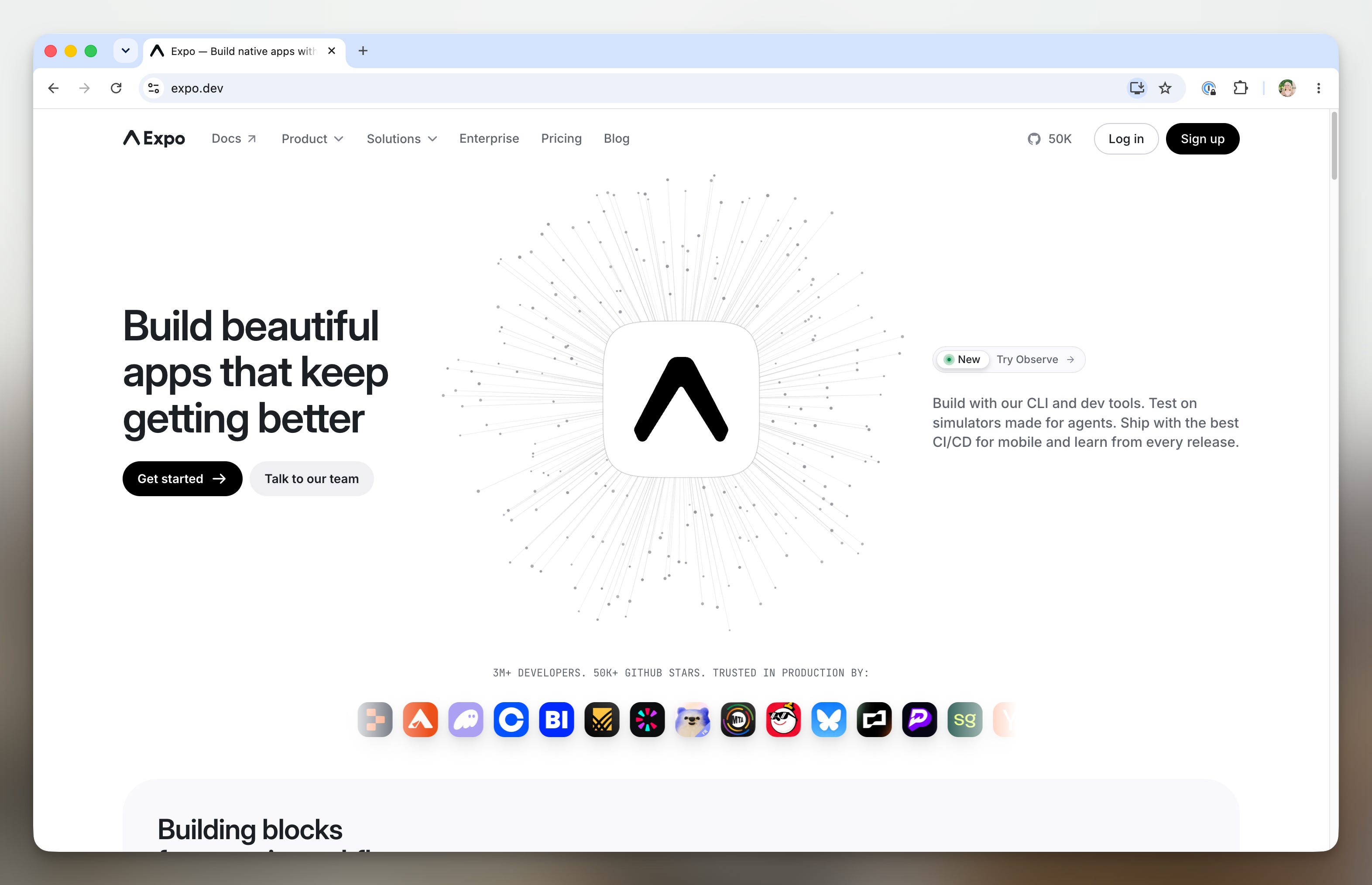
Expo is a tool built on React Native that makes it easier to build and distribute one app across iOS, Android, and the web. It’s better than using React Native directly because it handles much of the complicated setup and app store distribution for us.
Another key feature is its ability to deliver “over-the-air” updates, which means we can ship many types of changes to users directly, instead of getting stuck in the app store review process or waiting for users to download the latest version.
Lastly, Expo has a large ecosystem of ready-made tools and packages, so it’s easy to find existing tools for common features. And because it’s so widely used, coding agents are already very good at working with it.
Expo might not be for you if you only need a website, or if you want to build a deeply native app for a single platform. In that case, consider using platform languages like SwiftUI for iOS and Kotlin/Jetpack Compose for Android directly. If you’re only focusing on web apps, Next.js could be a good option.
Convex
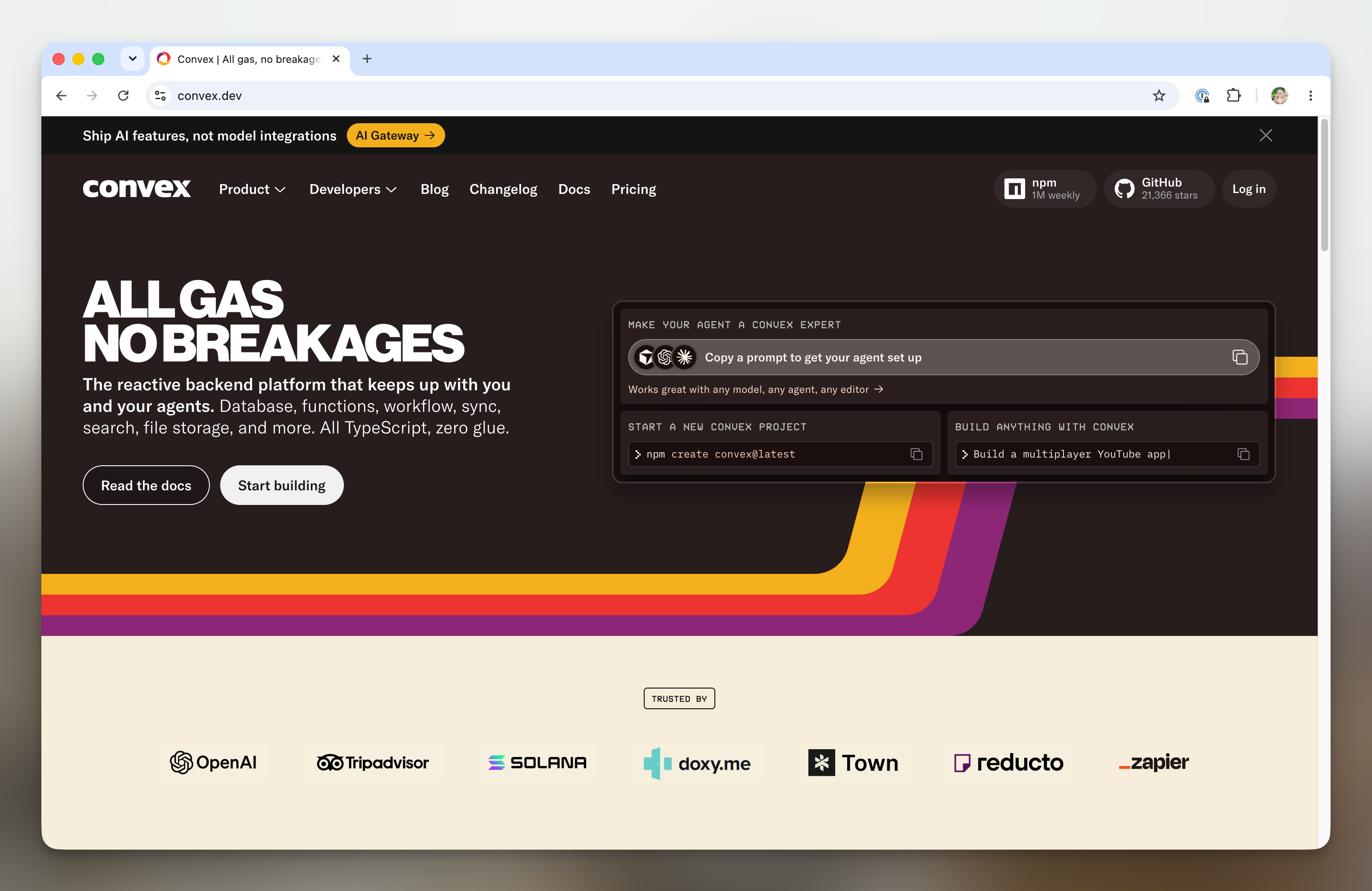
Convex is a backend platform with a database and other essential services built in, offering smart but opinionated defaults that help prevent common mistakes. Some of the common mistakes Convex helps us avoid are showing users out-of-date information or leaving data in a broken state when only part of an update succeeds.
In our opinion, you can get really far with just Convex because the included services all work together pretty well. In addition to using Convex as a database, it also handles basic user authentication, file storage and recently introduced an AI gateway feature, which I’ll cover more below. We don’t personally use Convex for those things, but it’s a great place to start.
Because Convex is opinionated and bakes in more than just the database, its main drawback is vendor lock-in. When you’re getting started on building your own thing for the first time, you probably don’t need to worry about that too much. Supabase is also a good option with similar offerings if you want to explore an alternative.
Cloudflare
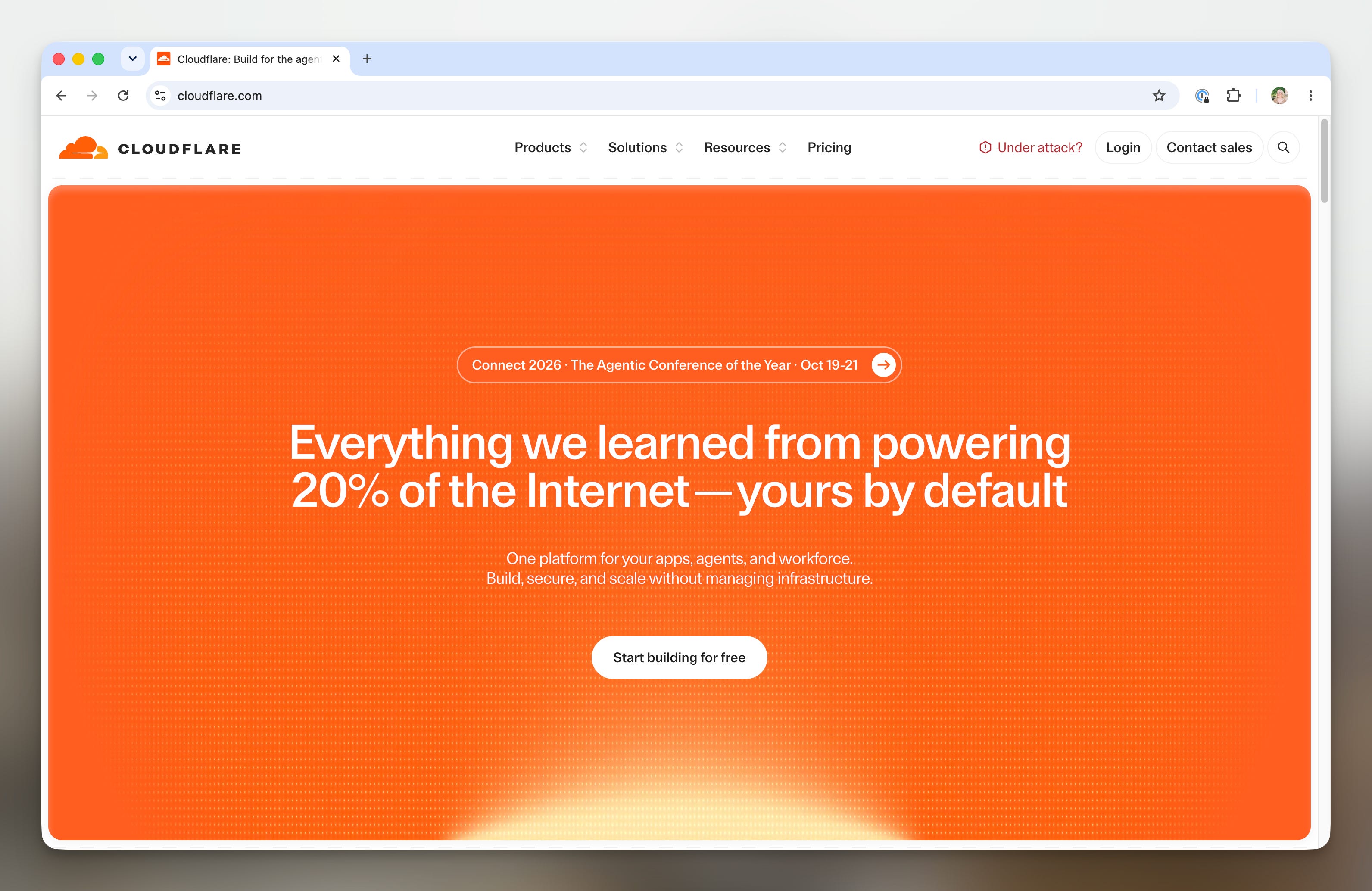
Cloudflare is a cloud provider, offering a large collection of services for hosting and running products on the internet. It’s infinitely powerful, which comes with the tradeoff of added complexity… you probably won’t need 99% of the things that it offers. We use it for:
File and photo storage
Hosting Al Dente’s marketing site, developer documentation, and web app
Buying and managing Al Dente domains
Routing Al Dente’s AI usage through its AI gateway
AI gateways are super helpful because they provide a middle layer between your product and the AI models you want your product to use. Instead of connecting separately to Google, OpenAI, and other providers, your product connects to the gateway once. The gateway then acts as a router, sending each request to the right AI provider and giving you one place to manage and pay for your AI usage. When companies introduce new models, like TypeSafe’s Jev, you can easily incorporate them without any additional setup or overhead.
Overall, Cloudflare is probably overkill for designers starting out, as it’s similar to AWS in terms of complexity. Vercel is the more approachable alternative for cloud services and also offers an AI gateway.
Extras we use for Al Dente
The stack above, or its alternatives, will get you pretty far when you’re starting out. When you’re ready to layer in additional tools as you grow, you might find some of these interesting.
PostHog
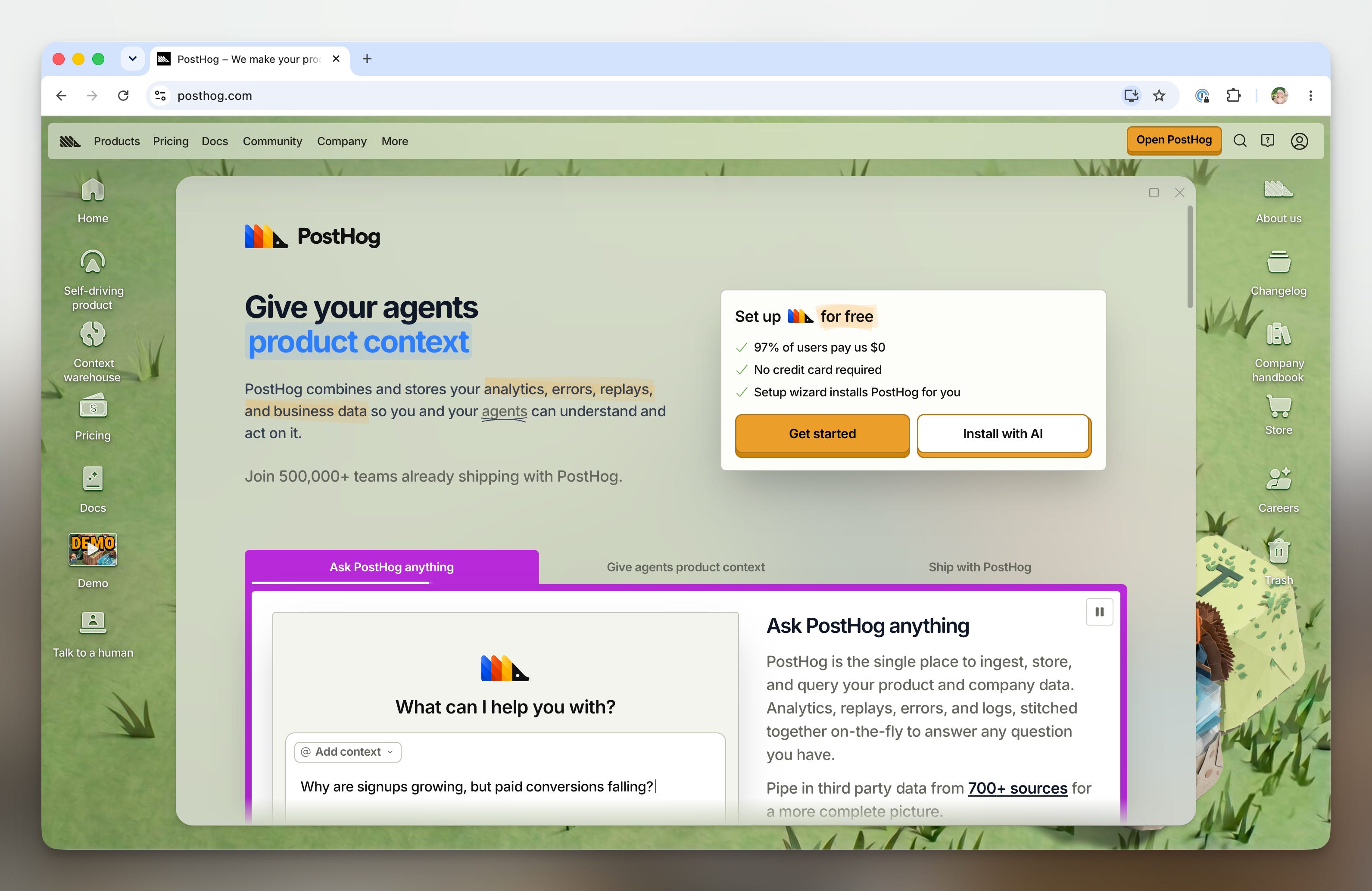
At its core, PostHog is an analytics product. You can think of it as a much more powerful and less annoying-to-use version of Google Analytics. It’s also done a good job expanding into adjacent areas like error logging, session replays, A/B testing and feature flags. Having all of those features in one place is very powerful, because your product context is all together and you don’t have to wire up ten different tools to do those jobs.
Another thing that sets PostHog apart is just how deeply it integrates with other tools through its MCP server. None of your data is locked up behind interfaces, dashboards or APIs, so your AI agents can access all of the same information that is available to you as a normal user.
Brand-wise, I can also appreciate that PostHog is doing something unique with their hedgehog mascot and operating-system-inspired marketing site. For me, the visual language does get old kind of quick, though.
Alternatives to PostHog are tricky because any reasonable alternative would likely require signing up for multiple services. You could check out Vercel’s basic analytics product, though it’s limited to web offerings and can’t track iOS or Android data yet.
Clerk
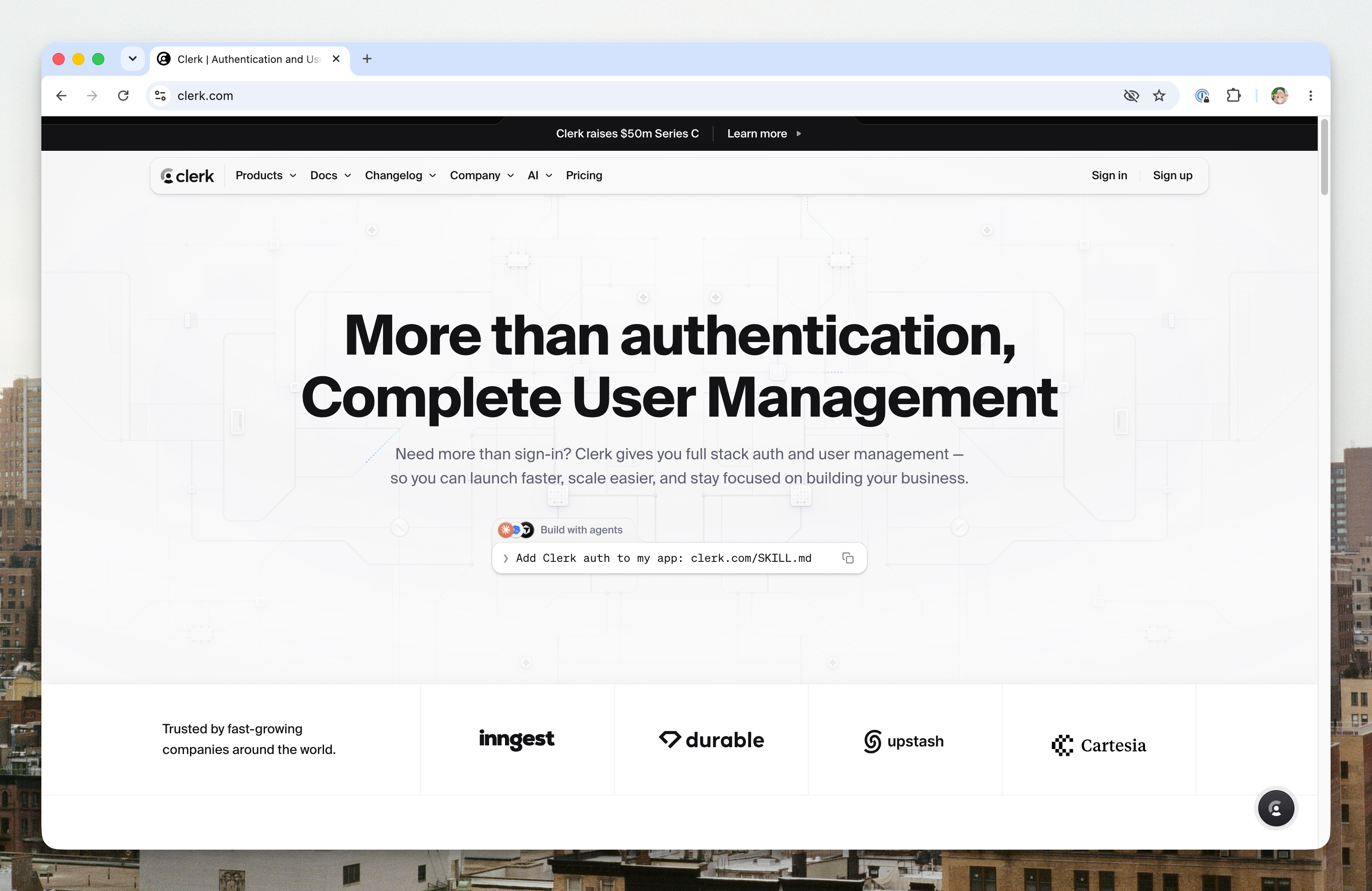
Clerk is the product we use to handle creating and managing user accounts. It’s narrowly focused and it does that one thing really well, though they have recently been expanding into the payments space.
As I mentioned above, Convex also does this and is a great place to start. We moved away from Convex because we wanted Al Dente users to be able to access their data in Al Dente through MCP and Convex’s authentication offering wasn’t mature enough to handle that.
In other words, when an Al Dente user wants to connect their recipe library to Claude, Clerk handles creating the page where they can authorize their access to get connected. Thanks, Clerk!
Resend
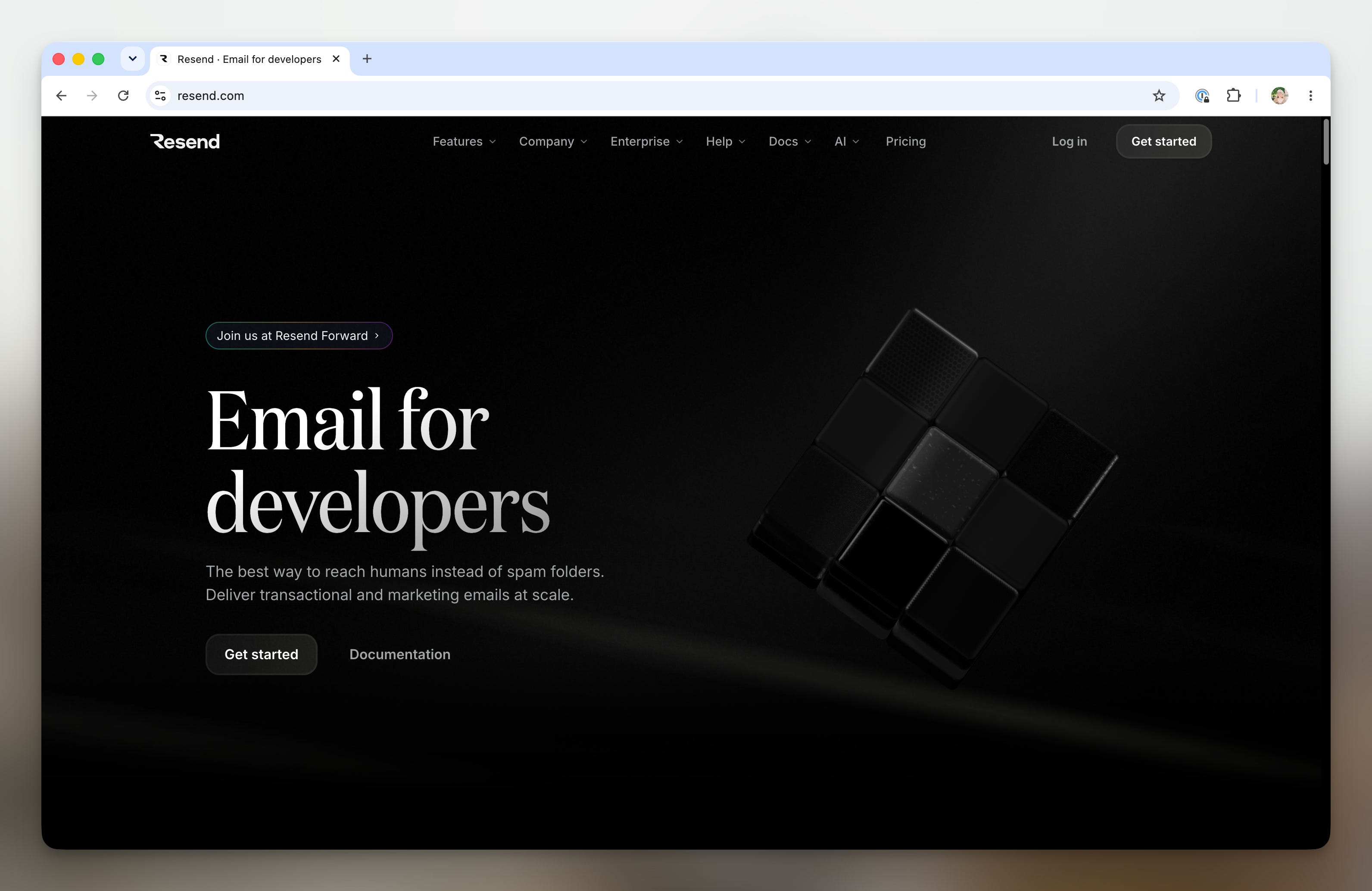
Resend is the tool we use to send Al Dente emails. It can handle both marketing emails and transactional emails. We haven’t sent any marketing emails yet, but we do use it to handle communication around things like account creation and password reset.
We chose Resend because it’s nicely designed and allows you to use the React Email library to design your emails. Traditionally, email design has been a very hard thing to do because email layouts are notoriously finicky, and there are a lot of weird old-school HTML techniques you have to use to get the email to format properly.
If Resend isn’t right for you, Postmark is a reasonable alternative that also supports React Email.
Putting the basics together
If you already have an idea, try using this prompt as a jumping off point to get your project started. If you already have designs or a vibe coded prototype, that’s helpful context to add in as well.
I want to build [describe your product idea, who it’s for, and the main thing it should help them do].
Here is an existing prototype to use as a starting point: [Paste a link or attach files here].
For my initial stack, I want to use:
Expo for the iOS, Android, and web app
Convex for the backend and database
Vercel for hosting the web app
Create a new Git repository for the project and walk me through setting up each tool. Start by proposing a short implementation plan and a sensible project structure. Then guide me through the setup one step at a time, including the commands I need to run, the accounts I need to create, and any configuration or environment variables I need to add.
Pause whenever I need to sign in, authorize access, make a decision, or complete a step outside the codebase. Explain what each major choice does in plain language, and don’t add extra services or complexity unless they’re necessary for the first working version.
Once the foundation is set up, help me build the smallest end-to-end version of this idea: [Describe the first core user flow]. Make sure it runs locally and explain how to preview it on mobile and web, deploy the web version to Vercel, and verify that the app can read and write data in Convex.
Interview me before getting started to make sure all of your clarifying questions get answered.
Part II
Beyond vibe coding is a huge topic and picking the right tools is only part of the job. In the next installment of this series, I’ll talk about how to use AI coding tools effectively within a codebase to follow engineering best practices.
Lunch
This week for lunch, I made Kat Boytsova’s Chicken and Rice Soup with Garlicky Chile Oil from Bon Appétit.
See you next week!
Good to see you building and sharing your learnings here! I was thinking if I were to build an app, it’s be a meal planning app, as I have a rigorous process for that. Love to see your progress and outcome!
Incredibly thoughtful and helpful…makes me question what I want to yeet out into the world.